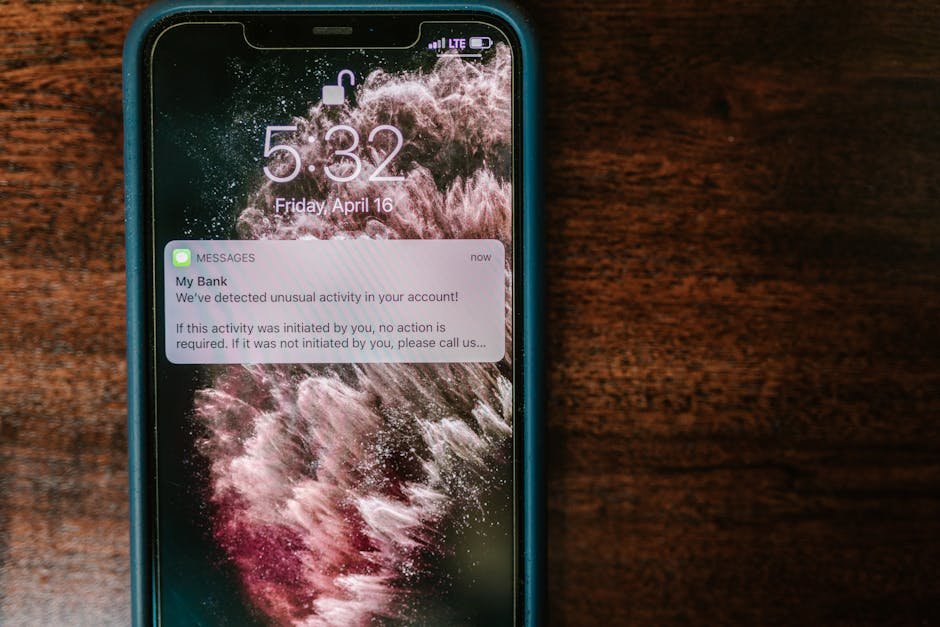

In today’s digital world, mobile banking apps provide unparalleled convenience for consumers. However, this convenience comes with a severe risk: the potential for security breaches. As online banking usage skyrockets, so does the need for robust security measures. Understanding how to secure mobile banking apps can protect sensitive financial information and ensure a seamless banking experience. Below, we discuss critical steps to enhance the security of mobile banking apps while preventing unauthorized access and potential fraud. By incorporating these recommendations, users can confidently manage their finances without compromising security.
Utilize Strong Passwords and Biometric Authentication
One of the simplest yet most effective ways to secure mobile banking apps is the use of strong passwords. A secure password should be at least 12 characters long and include a mix of uppercase letters, lowercase letters, numbers, and special symbols. Additionally, many banking apps now offer biometric authentication, such as fingerprint recognition or facial recognition, which significantly enhances security. By enabling this feature, users will make it more difficult for unauthorized individuals to access their accounts. For more information on creating secure passwords, refer to the National Cybersecurity Awareness Month guidelines.
Keep Your Mobile Devices Updated
Regular updates to your device’s operating system and banking applications are vital for enhancing security. Updates often include patches for known vulnerabilities that cybercriminals may exploit. Failing to install these updates can leave your device susceptible to attacks. Users should enable automatic updates whenever possible to ensure they always have the latest security features. This practice also applies to any installed applications — especially those involving sensitive transactions. Visit CISA’s Cybersecurity Tips for best practices on staying updated.
Be Cautious with Public Wi-Fi
When accessing mobile banking apps while on public Wi-Fi, users need to exercise extreme caution. Public networks are more vulnerable to security breaches, making it easier for hackers to intercept sensitive information. Therefore, it is best to use a VPN (Virtual Private Network) when connecting to public Wi-Fi. A VPN encrypts your internet connection, safeguarding your data from prying eyes. Additionally, avoid performing sensitive transactions over public networks whenever possible. For more insight on using VPNs safely, check out this informative article on TechRadar.
Monitor Your Accounts Regularly
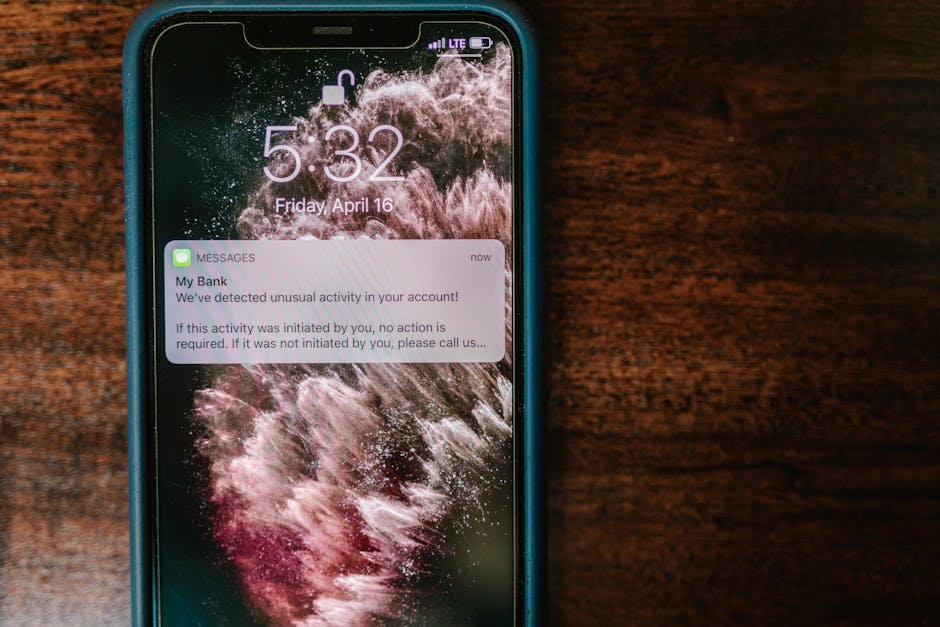
Proactive monitoring of your account activity is a critical aspect of securing mobile banking apps. Most banking applications provide real-time notifications for account transactions, which is a helpful feature. Users should review these notifications regularly to catch any unauthorized transactions immediately. Frequent checking of account balances and transaction history ensures that any irregularities are addressed promptly. In case of suspicious activity, report it to your bank without delay. Utilize resources like Consumer Financial Protection Bureau for guidance on resolving banking issues.
Word: Malware… Malicious software that can infiltrate devices and compromise sensitive information.
Word: Two-Factor Authentication… An extra layer of security requiring not just a password and username but also something that only the user has.
Word: Encryption… The process of converting information into a secure format to protect it from unauthorized access.
Word: Firewall… A network security system that monitors and controls incoming and outgoing network traffic based on predetermined security rules.
1. How can I tell if my mobile banking app is secure?
Check for the app’s reviews online, look for the presence of encryption standards, and confirm that it uses secure authentication methods.
2. What should I do if I suspect my mobile banking app has been compromised?
Immediately change your password, enable two-factor authentication, and contact your bank to report the suspected hack.
3. Is it safe to use my mobile banking app overseas?
While using your app overseas is usually safe, ensure you connect via a secure VPN and avoid public Wi-Fi.

4. How often should I update my banking apps?
Regular updates should be installed as soon as they are available to ensure you have the latest security features and patches.
5. Can antivirus software protect my mobile banking app?
Yes, reputable antivirus software helps defend against malware and viruses that could compromise security on your mobile device.
Enable Two-Factor Authentication (2FA)
One of the simplest yet most effective ways to enhance the security of your mobile banking app is by enabling two-factor authentication (2FA). This additional layer of security requires not only your password but also a second piece of information, such as a code sent to your phone or generated by an authentication app. Most banks today offer 2FA, and it’s crucial to take advantage of this feature. It significantly reduces the risk of unauthorized access to your account.
When you enable 2FA, even if someone manages to steal your password, they won’t be able to access your account without that second factor. It’s often recommended to use an authentication app like Authy or Google Authenticator, as these apps provide a more secure method than SMS. Don’t overlook this step; it’s your first line of defense against identity theft and fraudulent transactions.

Regularly Monitor Your Accounts
Vigilance is key in protecting your financial information. Regularly monitoring your accounts can help you catch any suspicious transactions early on. Most mobile banking apps provide notifications for account activity, so enable these alerts. They can notify you of every transaction, large or small, ensuring you’re always aware of your financial movements. Set aside time at least once a week to check your account statements, especially after large purchases or deposits.
If you notice anything amiss, act quickly. Most banks have policies in place to limit your liability for unauthorized transactions if reported promptly. Additionally, familiarize yourself with common scams, such as phishing attempts, which can occur via email or text. Always verify the source before clicking on any links or providing personal information. Resources like FTC Consumer Information provide excellent guidance on recognizing and avoiding such threats.
Keep Your Software Up to Date
Keeping your mobile device and banking app updated with the latest software is crucial for security. Software updates typically include patches for known vulnerabilities that malicious actors may exploit. Make sure to enable automatic updates for your device’s operating system and the banking app itself. This way, you’ll benefit from any security enhancements without even having to think about it.
It’s also wise to use official app stores like the Google Play Store or Apple App Store for downloading banking apps. Avoid third-party sources, as it can be risky. The more secure your software, the less likely it will be compromised. For more tips on staying safe while managing your finances, explore resources from Bankrate.
Conclusion
Securing mobile banking apps is essential for protecting sensitive financial information from unauthorized access and fraud. By following these effective steps, you can greatly enhance the security of your banking activities. Prioritize strong passwords, keep your devices updated, avoid public Wi-Fi for banking transactions, and monitor your accounts regularly. Taking these precautions ensures a safer and more productive banking experience.
Primary Focus Keyword: How to Secure Mobile Banking Apps
Secondary Keywords: mobile banking security, secure banking apps, enhance banking security
Meta Description: Discover essential tips on how to secure mobile banking apps to protect your financial information and enhance security while banking online.