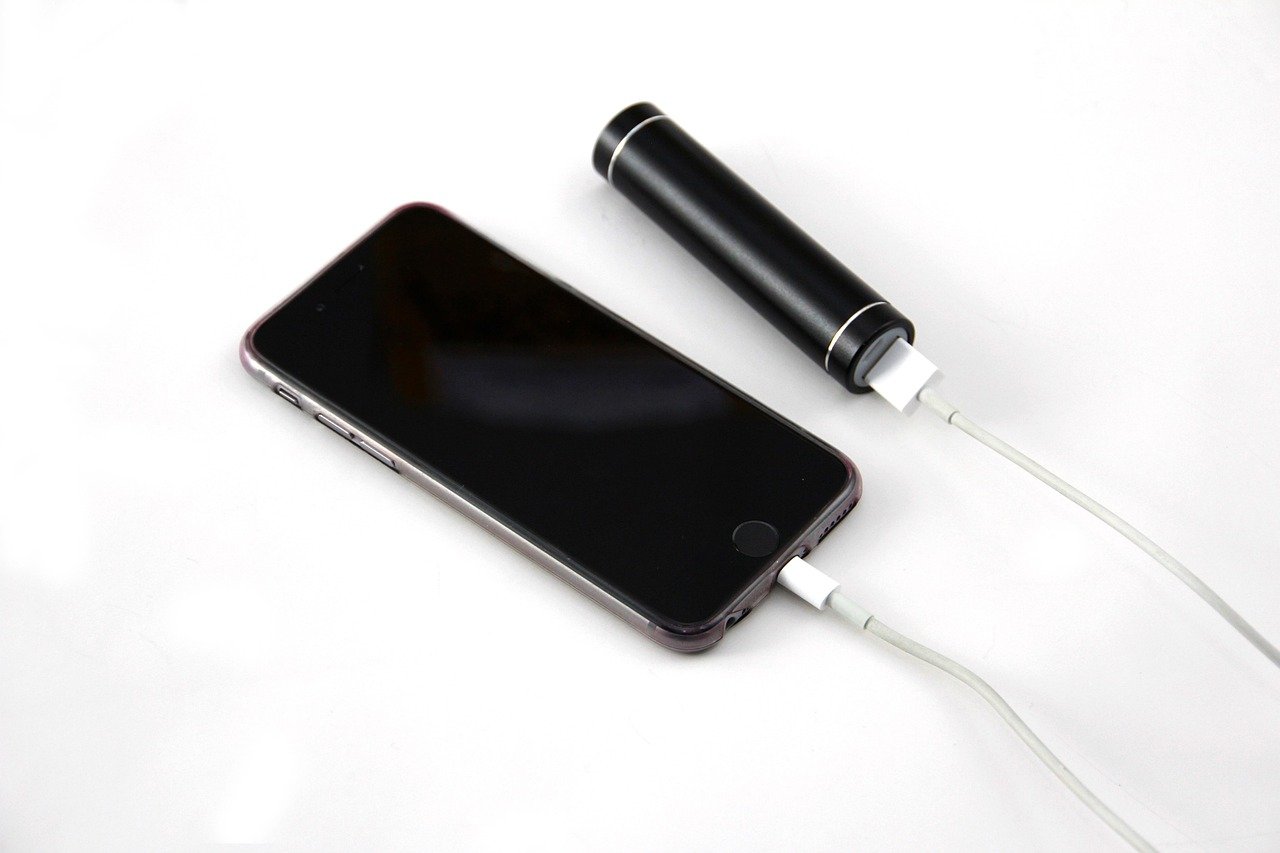

In today’s tech-driven world, knowing how to improve battery life can save you time, boost productivity, and enhance your overall device experience. Whether you’re using a smartphone, tablet, or laptop, battery longevity is crucial for maximizing the device’s efficiency. Many users face the frustrating issue of their batteries draining faster than expected. This challenge can often be addressed by adopting simple yet effective strategies to prolong your battery’s lifespan. With a few adjustments to settings, app usage, and general maintenance, you can significantly extend how long your device lasts between charges. This article provides essential tips and methods on how to improve battery life in various devices.
Optimize Device Settings for Enhanced Battery Life
One of the first steps in learning how to improve battery life is to optimize your device’s settings. Many devices come with features that can help you conserve energy. For instance, enabling Battery Saver mode can minimize power consumption by limiting background activity and reducing screen brightness. It’s also advisable to turn off location services when not in use, as GPS can drain your battery quickly. Additionally, consider reducing screen timeout settings to shorten the time your display stays on when inactive. These minor adjustments can lead to substantial battery savings.
Manage Apps for Long-lasting Battery Performance
Many people are unaware that certain applications can consume a large amount of battery power. Regularly monitoring your app usage is vital to improve battery life. Start by uninstalling unnecessary applications, especially those that run in the background without your knowledge. You can also disable auto-updating for apps and widgets to prevent them from consuming power when they’re not actively being used. Tools like Greenify can help you put apps into hibernation to save battery life effectively. Furthermore, keep apps updated as developers frequently release patches that improve energy efficiency.
Screen Brightness and Timeout Settings
Screen brightness is one of the most significant factors affecting battery life. Reducing the brightness to the lowest comfortable level can lead to noticeable improvements. Many devices come equipped with adaptive brightness, which adjusts screen luminance based on your current surroundings. Experiment with manually lowering brightness as adaptive settings aren’t always optimal. Additionally, setting a shorter screen timeout duration can save significant battery life, especially when you frequently leave your device unattended.
Regular Maintenance and Battery Health Practices
To truly understand how to improve battery life, it’s important to practice regular device maintenance. Battery care plays a significant role in longevity. For example, avoid leaving your device plugged in for extended periods after it reaches full charge. Ideally, keeping the battery level between 20% and 80% can extend overall battery lifespan. Periodically recalibrating your battery—by allowing it to fully discharge and then recharging it to full—can also remedy issues related to battery readings and performance. Lastly, consider using genuine accessories, such as chargers and cables, as counterfeit products can be detrimental to battery health.
Charge Cycle: Refers to a complete discharge and recharge of a battery, which affects its overall health and longevity.
Background Processes: These are operations that occur without user initiation, often consuming battery when many apps run simultaneously.
Deep Sleep Mode: A low power state designed to reduce battery consumption while the device is idle.
Firmware Updates: These updates can contain improvements for battery optimization and device performance.
Utilize Battery-Saving Modes
Most modern devices come equipped with battery-saving modes designed to extend battery life. These settings limit background processes and reduce screen brightness, helping you get more juice from your device when you need it most. Enabling this feature can double your usage time without requiring much fuss. For instance, activating Low Power Mode on an iPhone or Battery Saver on Android devices can be a game changer when you’re running low on battery but can’t recharge immediately.
It’s not just about enabling the feature—you should explore specific settings too. For example, on Android devices, you can customize which apps are restricted during this mode. By selecting apps that drain your battery the most, you can significantly reduce unnecessary consumption. Check out resources like Apple’s battery overview or Android support for detailed guides.
Limit Location Services
Location services can be a silent battery killer, constantly updating your device’s location and running background apps. To improve battery life, consider switching off location services for apps that don’t need it. By doing so, you’ll not only conserve battery but also enhance privacy. You can typically find these settings in your device’s privacy settings. For example, iOS users can adjust options under Settings > Privacy > Location Services, allowing you to selectively enable location access.
Don’t forget about your maps and navigation apps—they’re notorious for unnecessary battery drain when left running in the background. If you’re using a specific app, try switching to “While Using” settings instead of “Always” for maximum efficiency. Take a look at this guide from Lifewire for more tips on managing your device’s location settings and battery performance.
Frequently Asked Questions
1. How can I tell which apps are draining my battery?
Most smartphones and devices feature a battery usage monitor in the settings menu. By checking this feature, you can identify which apps consume the most energy.
2. Should I always charge my device to 100%?
No. It’s best to keep your battery charged between 20% and 80% to prolong its lifespan and maintain efficiency.
3. Do wallpapers and themes impact battery life?
Yes, especially if using live wallpapers or high-resolution images. Still images consume less power compared to animated or interactive backgrounds.
4. What is the best temperature range for battery health?
Batteries perform best at temperatures between 32°F (0°C) and 95°F (35°C). Extreme heat or cold can detrimentally affect battery performance and lifespan.
5. Is it safe to leave my device plugged in overnight?
While most modern devices have protections against overcharging, it’s still advisable not to make it a regular habit to leave devices plugged in for extended periods.
Conclusion
Improving battery life is essential for anyone reliant on portable devices. By optimizing device settings, managing apps, adjusting screen settings, and practicing regular maintenance, users can significantly extend their battery’s lifespan. In a world where individuals are constantly on the go, learning how to maximize your battery efficiency will enhance not only your productivity but also your total tech experience. Remember that even small efforts can lead to significant improvements.