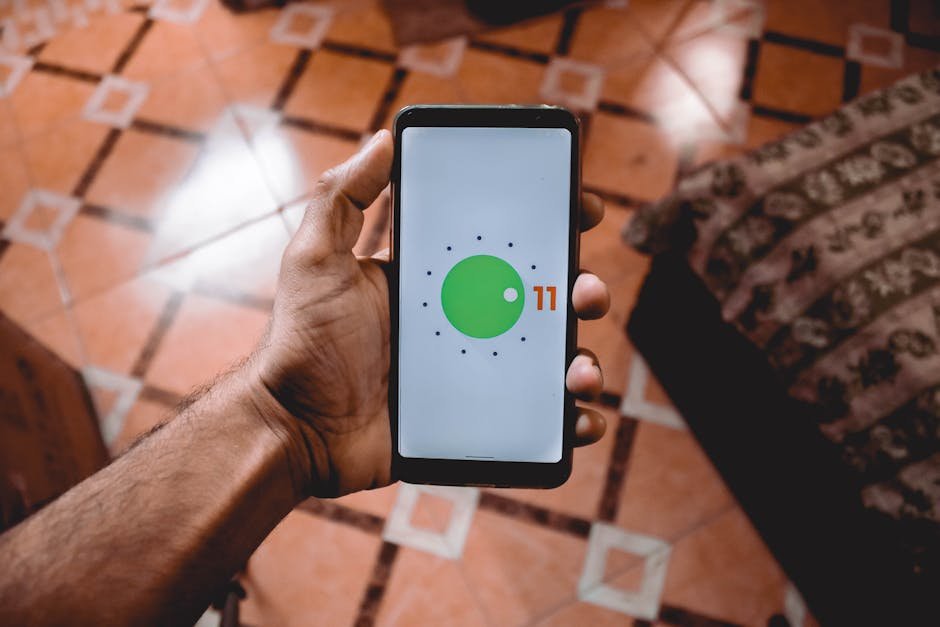

Android phones are popular for their flexibility and comprehensive features, yet most users barely scratch the surface of their full potential. Many hidden features can enhance your mobile experience significantly. Learning about these unexpected functionalities allows you to utilize your device more effectively. In this article, we will explore the most intriguing hidden features in Android phones that could change how you interact with your device. Android’s unique and customizable nature is one of its strengths; unlocking these features can streamline your daily tasks, boost productivity, and elevate your overall user experience. Whether you’re a novice or a seasoned user, these little-known tricks can transform your device into a powerful toolkit.
Quick Settings and Customization Options
One of the most practical hidden features in Android phones is the Quick Settings Menu. This menu provides instant access to essential settings such as Wi-Fi, Bluetooth, and Do Not Disturb. Many users may not realize that they can customize this menu to show only the features they use most frequently. To customize the Quick Settings Menu, swipe down from the top of your screen, tap the three vertical dots, and select Edit. Here, you can drag and drop icons, rearranging them to your preference. Additionally, consider enabling Night Mode, which reduces eye strain when using your phone at night. For more information on screen comfort features, refer to NHLBI.
Gesture Navigation for Enhanced Usability
If you’re looking to streamline your navigation, Android’s gesture navigation is a powerful tool. Instead of relying on the traditional buttons, you can navigate your phone using swipe gestures. To activate this feature, go to Settings → System → Gestures → System navigation and select Gesture navigation. With this setup, swiping up from the bottom takes you home, swiping up and holding opens recent apps, and swiping from the sides navigates back. This feature not only saves screen space but also enhances your overall user experience. To learn more about the approach to mobile app navigation, visit Smashing Magazine.
Digital Wellbeing: Manage Your Usage
Another notable feature is Android’s Digital Wellbeing tool, designed to help you understand and control your smartphone usage. By accessing this functionality in Settings, you’ll find tools that allow you to monitor your screen time, set app timers, and receive notifications about your daily habits. Furthermore, enabling Focus Mode removes distracting apps from your home screen, allowing you to concentrate on specific tasks. This feature can be particularly useful for individuals who want to reduce their daily screen time. For resources on maintaining healthy screen time balance, check out World Health Organization.
Advanced Battery Optimization
Battery life is a major concern for most smartphone users. Fortunately, Android includes a hidden Advanced Battery Optimization feature that can substantially extend your battery’s life. Access this by going to Settings → Battery → Battery Usage. Here, you can identify apps that consume excessive battery and take action to limit their usage. Monitoring background activity and disabling app notifications can result in significant energy savings. Additionally, enabling features like Adaptive Battery can help your device learn your usage habits and optimize performance accordingly. For further information on battery management techniques, visit U.S. Department of Energy.
Memory Saver – A feature that restricts background activity to save battery.
App Hibernation – Allows inactive apps to enter a sleep mode, minimizing resource consumption.
Adaptive Brightness – Automatically adjusts screen brightness based on ambient light conditions and usage habits.
Data Saver – Limits app background data usage, ensuring more data is saved for essential tasks.
Battery Share – A feature allowing you to share your device’s power with others wirelessly.
Advanced Battery Management
One of the hidden gems in Android phones is the Advanced Battery Management setting that allows users to control battery usage with precision. You might know about the battery saver mode, but diving deeper reveals features that can do wonders for your device’s longevity. For instance, certain Android models offer an option to limit background activity for less frequently used apps. This isn’t just about saving battery; it’s about ensuring smooth performance throughout the day. You can also access detailed battery usage statistics to pinpoint apps that drain your battery unnecessarily. Learn more about these features on Android Central.
Moreover, some devices have a bedtime mode, which automatically adjusts settings when it’s time to sleep. This mode can limit notifications and dim your screen, helping you recharge your phone—and yourself! The feature doesn’t stop there; you can schedule when to enter this mode, making it effortless to maintain battery life without sacrificing your nightly routines. Explore more battery tips on TechRadar.
Gesture Navigation
Gesture navigation isn’t just a slick way to navigate; it’s about efficiency and making the most of your screen real estate. Instead of relying on traditional buttons, swipe and tap your way through your phone for a seamless experience. You can enable gestures in the system settings, which literally liberates your display from on-screen buttons. This way, you get more screen space for enjoying videos or images and a more immersive overall experience. Get the latest on gesture navigation at Android Authority.
But that’s just the tip of the iceberg. Some Android devices, particularly those from brands like OnePlus or Samsung, incorporate features like ‘One-Handed Mode’ or ‘Quick Launch’ gestures, allowing you to access apps or features with specific swipes. Imagine launching the camera by drawing an “O” on the screen or quickly switching between apps with a simple swipe! Try out these features for a more tailored experience and check out user tips on 9to5Google.
Frequently Asked Questions
1. How can I find hidden features on my Android device?
You can discover hidden features by exploring your Settings menu thoroughly or searching for specific features online through tech blogs and forums.
2. Is there a way to improve my Android phone’s performance?
Utilizing features such as Digital Wellbeing, managing apps, optimizing battery settings, and regularly updating your operating system can significantly enhance performance.
3. Can I customize app notifications on my Android phone?
Yes, you can customize notifications by going to Settings → Apps → selecting the app you wish to modify and adjusting notification settings accordingly.
4. What is the best way to secure my Android device?
Enabling features like 2-step verification, keeping your software updated, and using secure passwords or PINs can help secure your device reliably.
5. Are there tools to manage mobile screen time on Android?
Yes, Android’s Digital Wellbeing feature offers tools to monitor and manage your screen time effectively, allowing for healthier device usage.
Conclusion
As demonstrated, Android phones come equipped with a multitude of hidden features that can significantly improve user experience. By exploring and leveraging these functionalities, users can enhance productivity, manage their phone usage more efficiently, and fully utilize the capabilities of their devices. Whether for work, play, or mindfulness, understanding these features allows for a more customized and enjoyable Android experience.